Automated Stow-for-Safety: How TrackLab Protects Solar Farms with Rule-Based Weather Response
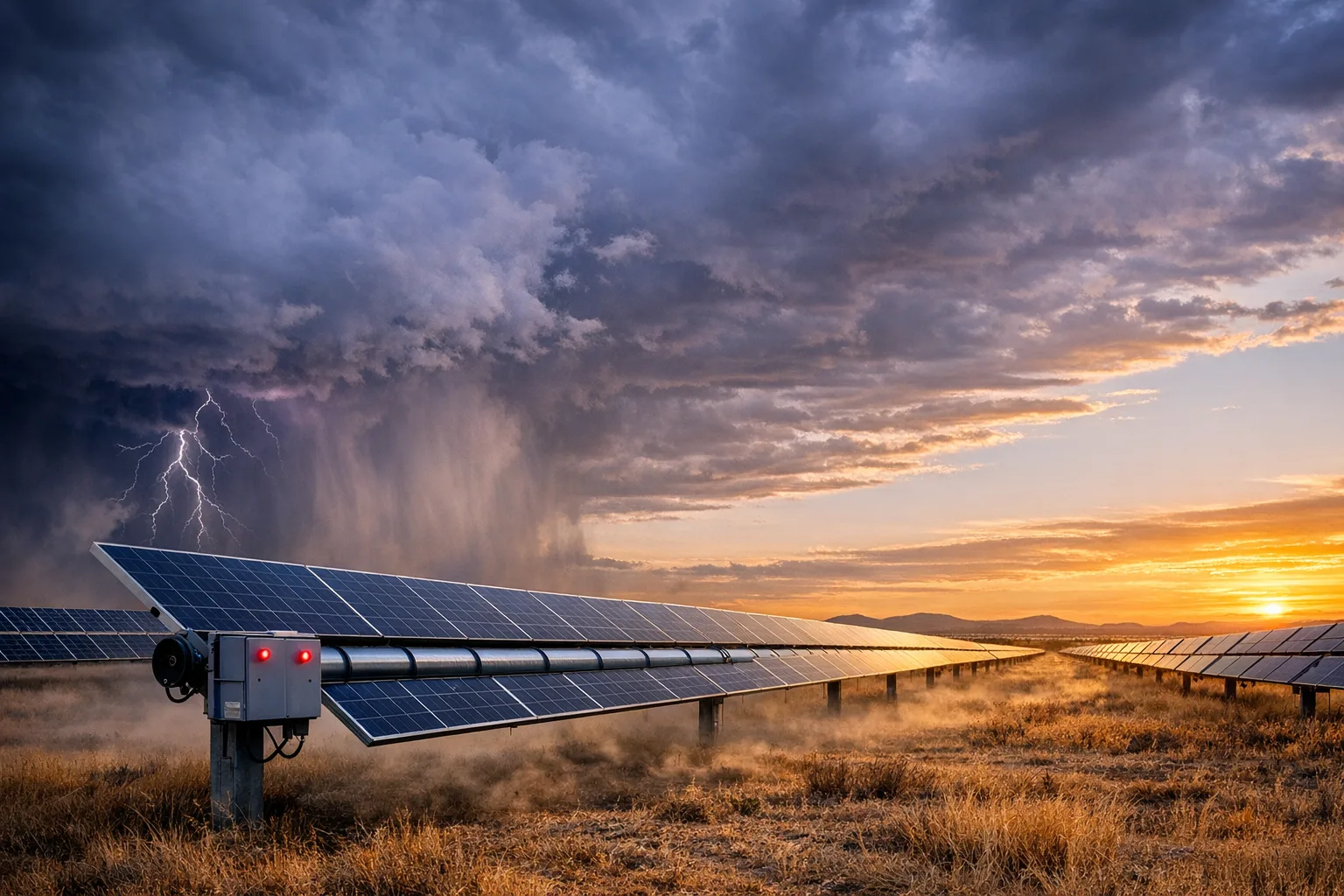
There is a very specific kind of silence that follows a 2 AM wind event on a solar farm. The gust has already moved through half the site. The operator’s phone is on the nightstand. And somewhere in a control room, a dashboard is blinking red at nobody.
We built TrackLab’s automated stow because we got tired of that silence being expensive. Manual response works when you’re standing next to the tracker. It falls apart when you’re responsible for thousands of rows across multiple farms, and the weather does not care about your shift schedule.
The financial exposure is not hypothetical. Solar insurers and risk-model providers increasingly reward documented severe-weather mitigation, especially hail resilience and reliable automated stow behaviour. kWh Analytics’ property insurance guidance explicitly calls out proven hail-stow capability as a factor in better terms, and its recent resilience case study shows just how commercial those technical decisions can become. The question isn’t whether automated weather stow belongs in utility-scale operations. It’s whether your system can act fast enough — and independently enough — to protect hardware, insurance posture, and production uptime all at once.
Before we get into rules and configuration, it helps to understand the architectural foundation that makes our approach different. Each Tracker Controller Unit (TCU) operates autonomously per row. Once a TCU receives a stow parameter, it acts on it independently, without needing continuous communication with its Network Control Unit (NCU). Protection works even when communication degrades during the exact conditions that demand it. The rest of this post builds on that principle.
How a wind stow rule actually fires
Here is a concrete timeline from one of our deployments:
- Wind gust detected by the weather station at 02:14
- Automation rule evaluates the reading at 02:14
- Broadcast to 200 TCUs sent at 02:14
- All trackers stowed by 02:15
- Wind drops below threshold at 03:42
- Auto-clear resumes normal tracking at 03:42
- Nobody woke up
Every automation rule in TrackLab follows the same structure: a trigger fires (weather data, device telemetry, parameter changes, manual or webhook events), one or more conditions evaluate it using comparison operators (gt, gte, lt, lte, eq, neq, between, contains, regex), and if they pass, an action executes. Actions range from sending notifications to changing device parameters to broadcasting commands across every TCU managed by an NCU. The measurement data that feeds into TrackLab provides the raw input. For the full list of trigger types and action parameters, see the system architecture docs and the Network Control Unit reference.
Configuring the stow rule
The goal: when wind gusts exceed a safe threshold, broadcast a stow angle to all TCUs in the affected farm section. No human in the loop. Here’s what the rule configuration looks like:
- Trigger: Weather Metric, specifically Wind Gust
- Condition: Wind gust value
gteyour site’s stow threshold - Action: Set Parameter Broadcast NCU Children, which sets
TCU_WIND_PROTECT_ANGLEon every TCU under the target NCU - A cooldown period prevents the rule from firing repeatedly during sustained wind events
- The evaluation period defines the time window over which the trigger value is assessed
- An optional count threshold requires multiple readings above the limit before acting, so a single spurious reading doesn’t stow an entire site
The broadcast action is the key piece. A single NCU manages hundreds of TCUs. When the rule fires, every TCU under that NCU receives the stow angle parameter, and each TCU then executes the stow independently. No sequential commands. No waiting for acknowledgements down a chain.
The TCU_STOW_ANGLE and TCU_STOW_HHMM parameters control the physical stow behavior. TCU_WIND_STOW_TIMEOUT determines how long the tracker holds the stow position. Once received, these are device-level parameters that the TCU acts on autonomously.
Auto-clear: resuming without a phone call
Every solar operations engineer has lived this one. A wind event triggers a stow at 2 AM. Conditions normalize by 4 AM. The trackers stay flat until someone on the morning shift remembers to send the resume command. By then you’ve lost two hours of early production on a clear day. We’ve watched it happen enough times to know that “someone will remember” is not an operations strategy.
TrackLab’s automation rules support auto-clear. When the triggering condition returns to normal, the rule reverses its action automatically. Wind drops below the stow threshold, tracking resumes. No manual intervention, no forgotten resume commands, no lost production waiting for a human to notice the weather has passed.
Testing before production
Deploying automation rules to live hardware without testing them first is a recipe for a bad phone call at 3 AM. We know this because we have been on that call. TrackLab provides six tools for validating rules before they touch real devices, and the workflow follows a natural progression:
- Start with a Dry-Run Match to verify trigger and condition logic
- Fire a Test Event to simulate the trigger
- Fire a Manual Event to test the full action pipeline
- Use Preview Template to render notification templates before they go out
- Send a Test Notification to confirm delivery
- The Webhook Test Inbox captures webhook payloads for inspection
Every aspect of a rule can be validated before it goes live: trigger matching, condition evaluation, action execution, notification delivery. No unintended commands reach live trackers.
Monitoring execution
Once a rule is live, visibility into its behavior is essential. TrackLab provides two views for this.
The Events tab shows every trigger event the rule received, including what fired, when, and what value it carried. The Executions tab shows every action the rule took in response: what parameter was set, which collectors were affected, and whether the action succeeded.
Together, these form a complete audit trail. When a tracker stows unexpectedly, you can trace from the physical action back to the weather reading that caused it. When a rule doesn’t fire and you expected it to, the logs show exactly which condition failed. No guessing, no “it probably worked.”
Beyond wind stow
Wind is the most common stow-for-safety trigger, but the automation engine handles far more. Some of the most valuable rules we’ve deployed have nothing to do with wind at all.
Hail stow works identically to wind stow: trigger on weather metrics, broadcast a flat stow angle to minimize panel exposure. The only differences are the threshold and the target angle. If your site has hail sensors or integrates with a third-party hail alert service via webhook, you can automate the response completely. Given that hail drives the majority of solar insurance claims by dollar value, this is often the rule that pays for the entire automation platform.
Telemetry gaps are another trigger we’ve come to appreciate. If measurements stop arriving from a collector, a rule can fire a notification so the team investigates before a small communication issue becomes a large blind spot. Think of it as a dead-man’s switch for your operational monitoring.
Lifecycle transitions automatically move collectors into maintenance mode when conditions warrant it, keeping fleet status accurate without manual bookkeeping. Multi-condition rules take this further by combining weather metrics with measurement values. A rule could require both high wind and a specific tracker angle before triggering a stow, avoiding unnecessary stow events when trackers are already in a safe position.
Why independent row architecture matters
Remember the architectural principle from the introduction: each TCU operates autonomously per row. This is where it pays off.
A TCU doesn’t need continuous communication with its NCU to maintain its stow position. Once it receives the stow parameter, it acts independently. High wind can disrupt communication links. If your stow system requires a central controller to maintain active connections to every tracker row, a communication failure during a wind event means some rows don’t stow. That is the worst possible time for a gap in protection.
We designed TrackLab’s architecture to avoid this. TCUs communicate over LoRa, RS485, CAN-2.0, and Fibre (TCP/IP), but stow-for-safety is a core capability at the TCU level. A single communication failure on one row doesn’t prevent other rows from protecting themselves. This is fundamentally different from linked-row systems where a controller failure affects entire strings of trackers. A contained issue on one row stays contained. A site-wide cascade becomes structurally impossible.
What comes next
Automated stow-for-safety closes the gap between a weather event and the physical response that protects your hardware. The rules engine gives you precise control over when and how protection triggers. The independent TCU architecture makes that protection reliable even when communication degrades.
The next challenge for most operations teams isn’t the individual rule. It’s coordinating across ten farms experiencing the same weather event simultaneously, each with its own thresholds, its own terrain effects, and its own definition of “safe.” That’s the problem we’re working on now.
Learn more
Explore TrackLab’s full feature set to see how automation fits into the broader platform, or read the public docs for the Tracker Controller Unit and Network Control Unit to understand how that autonomy is enforced in the field.